
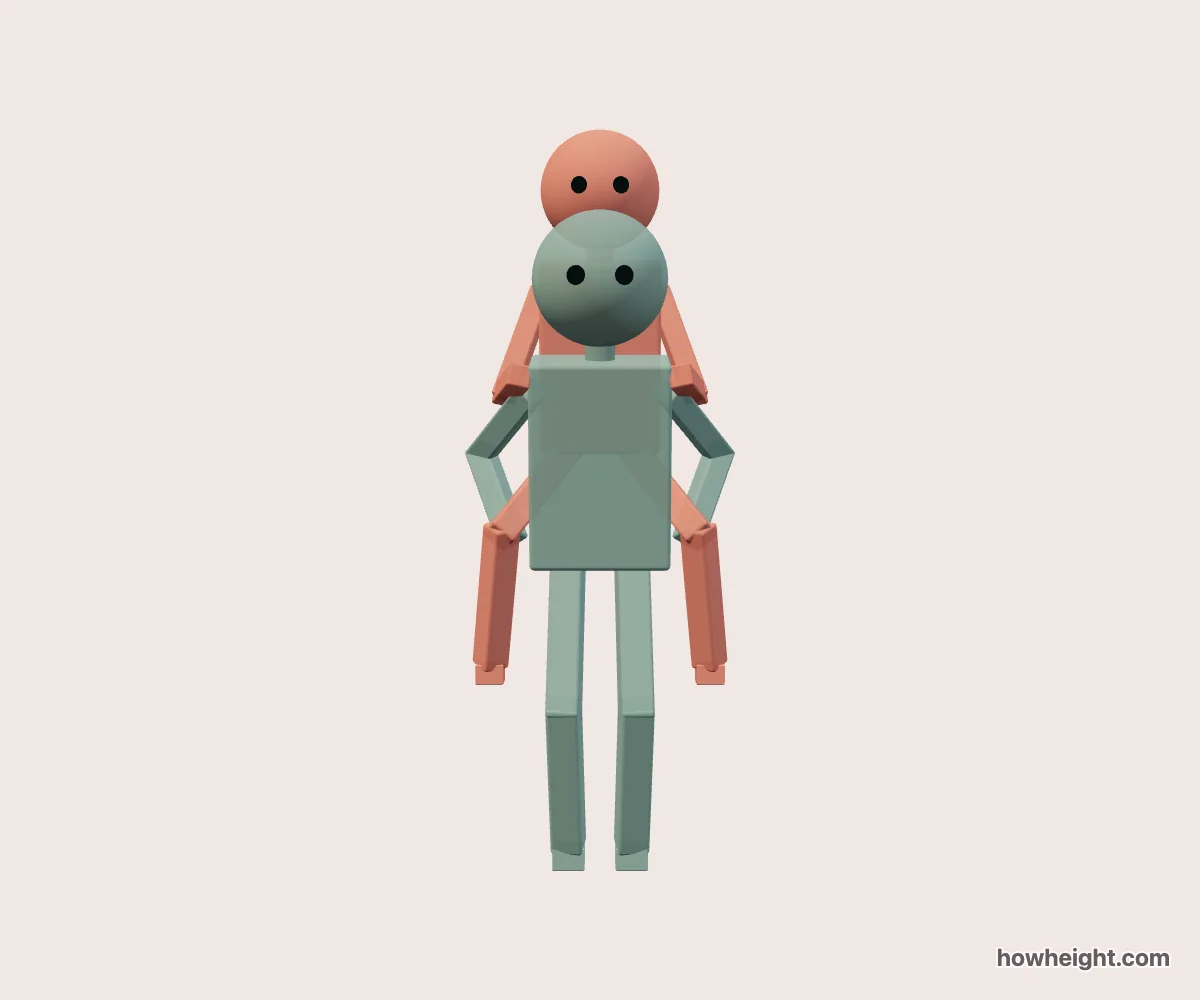
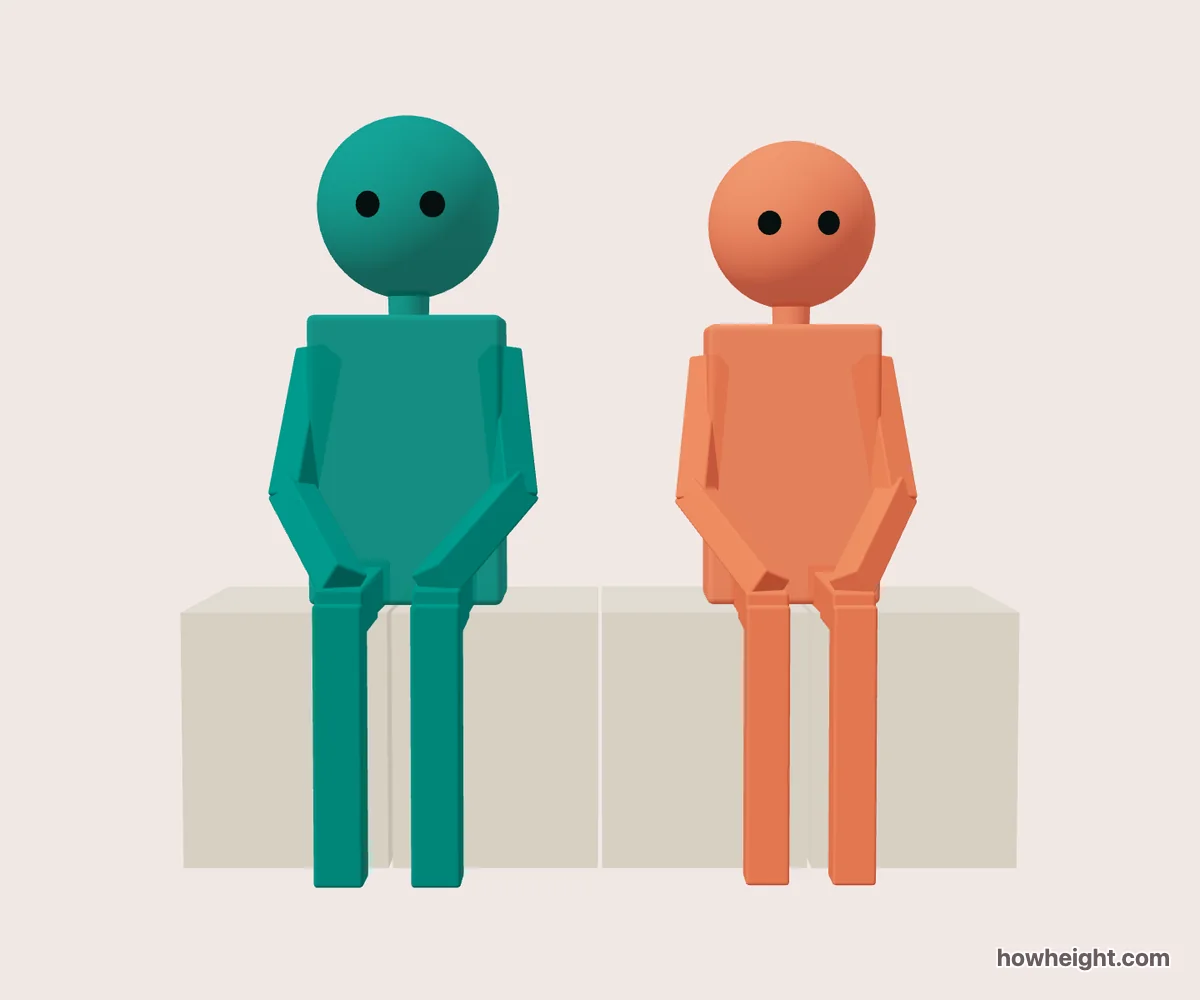
Compare height differences in 3D
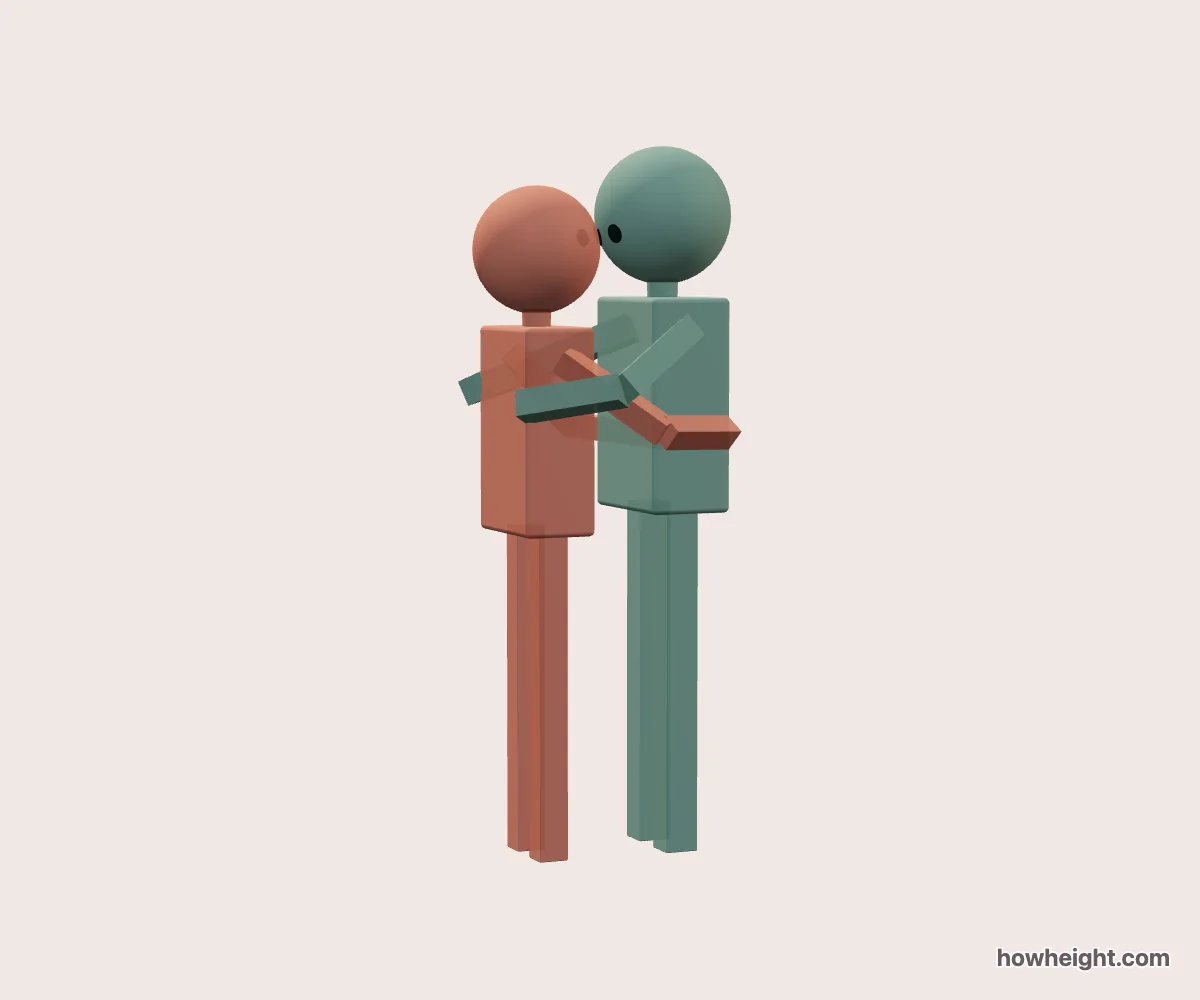
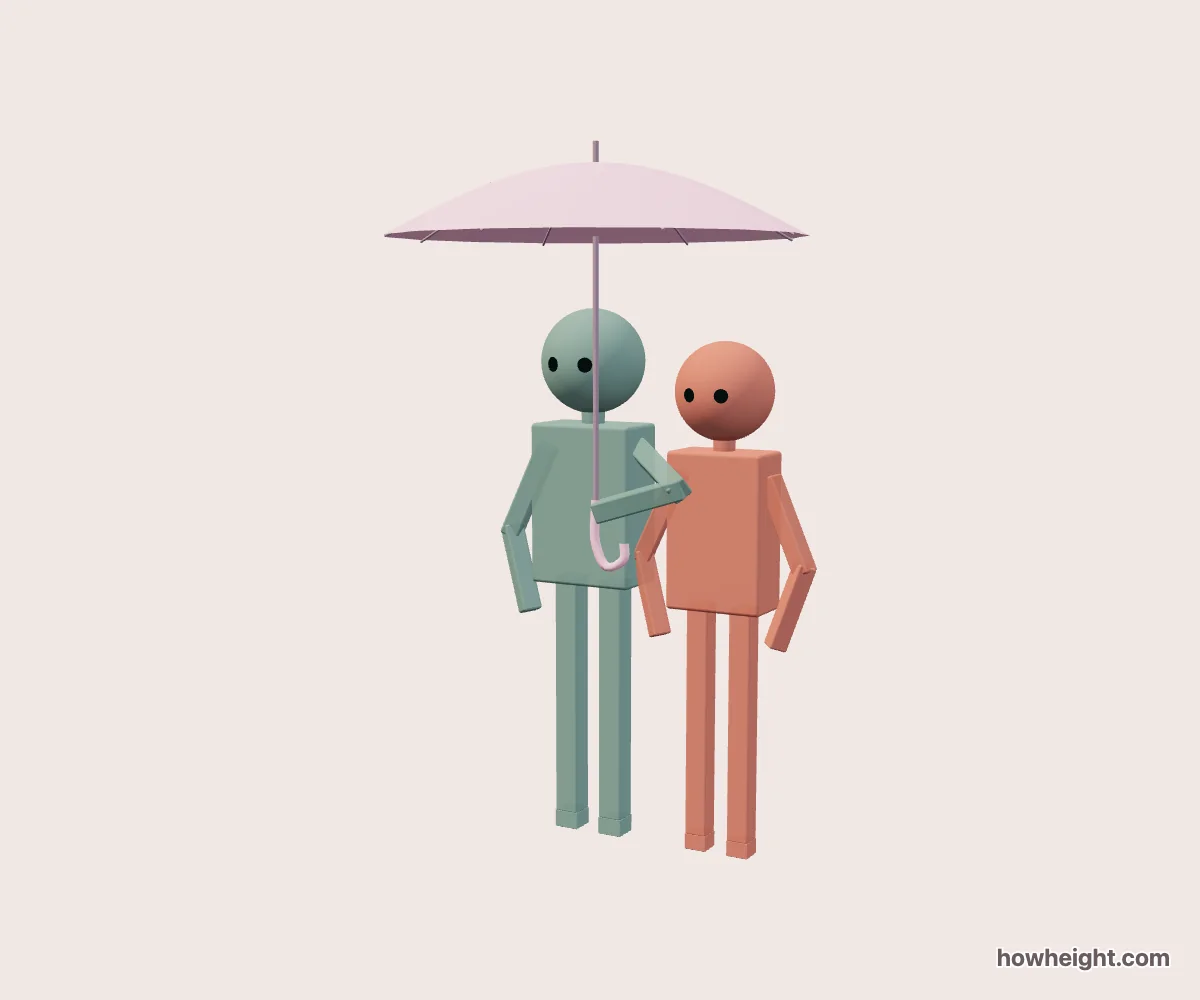
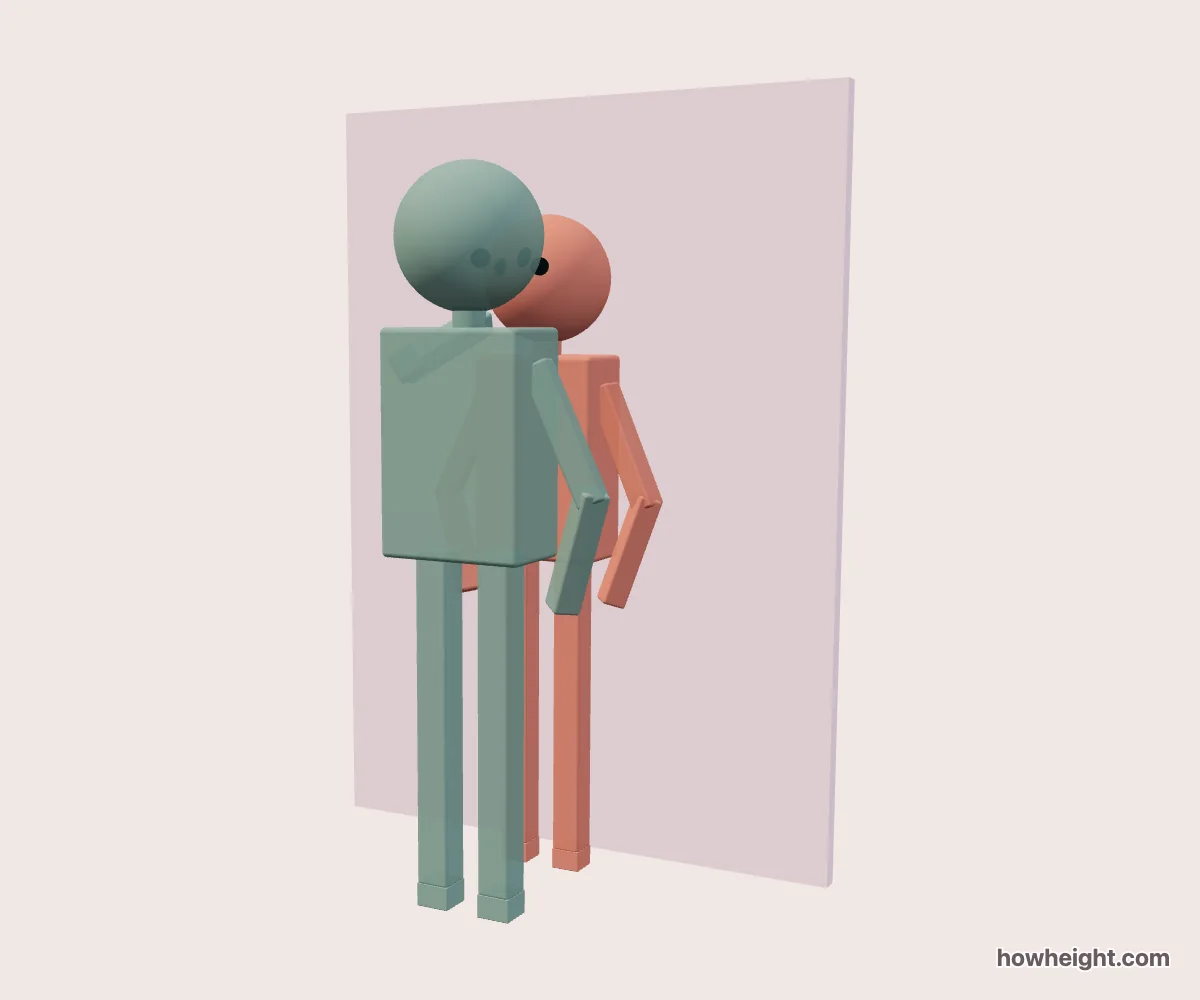
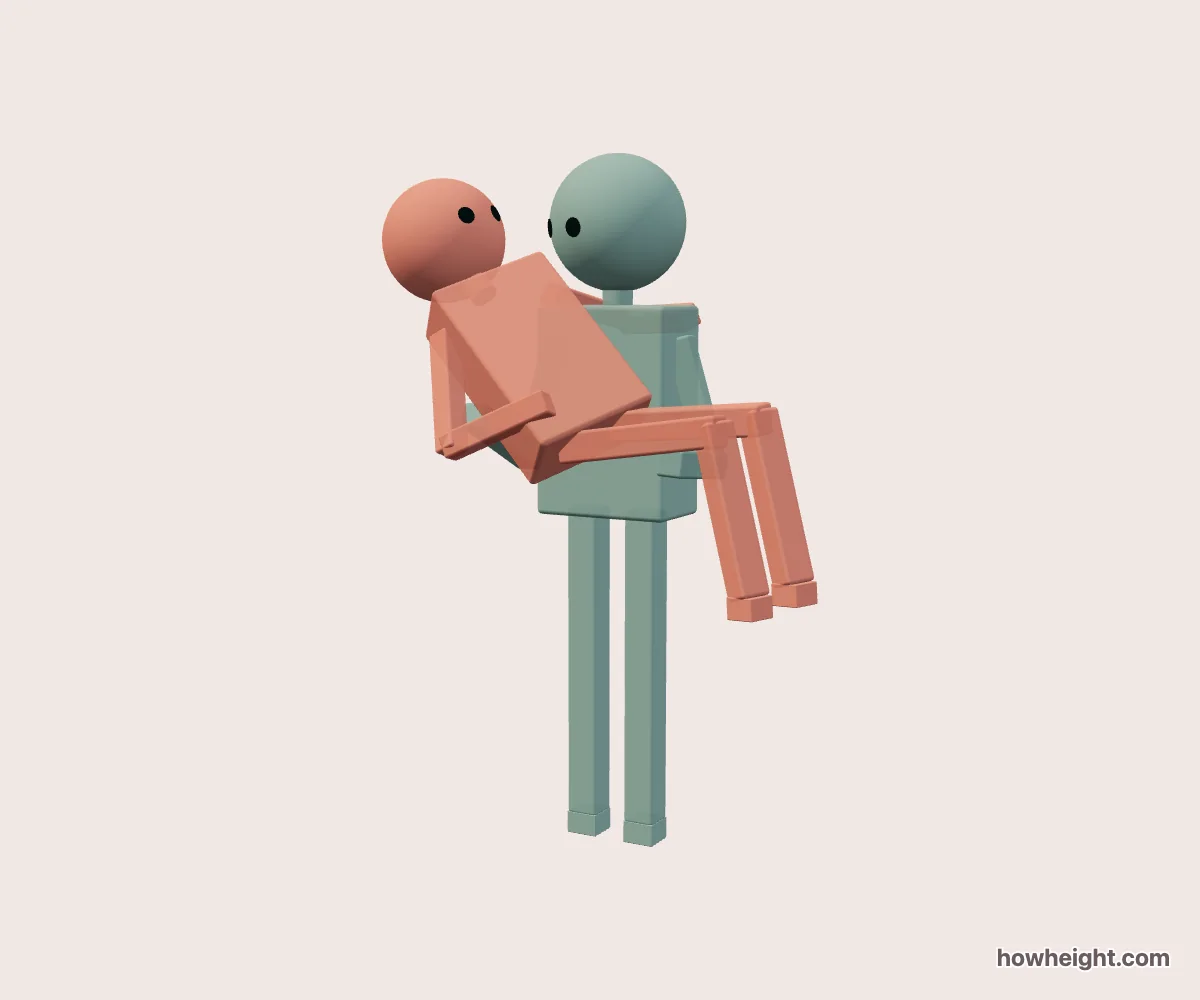
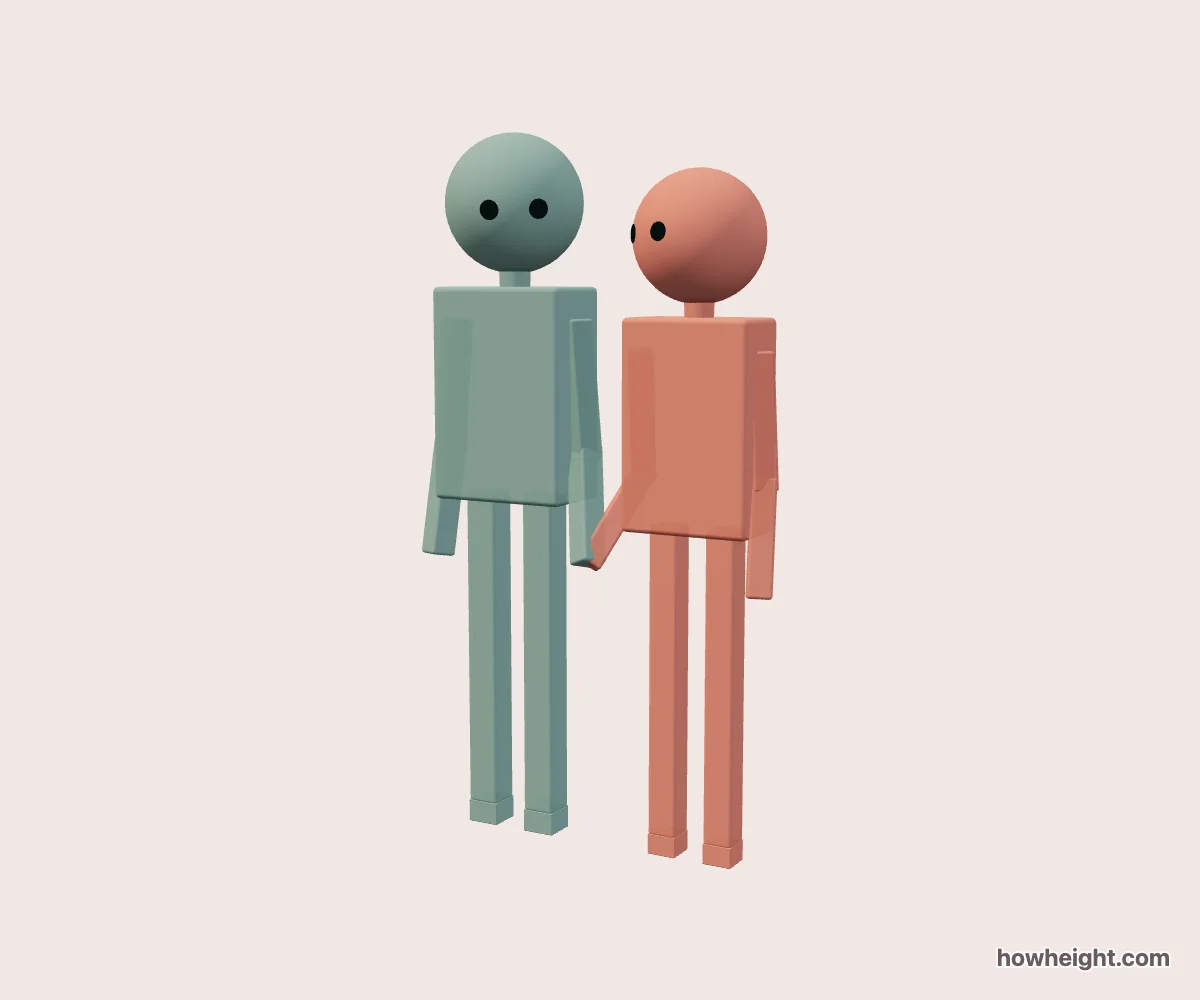
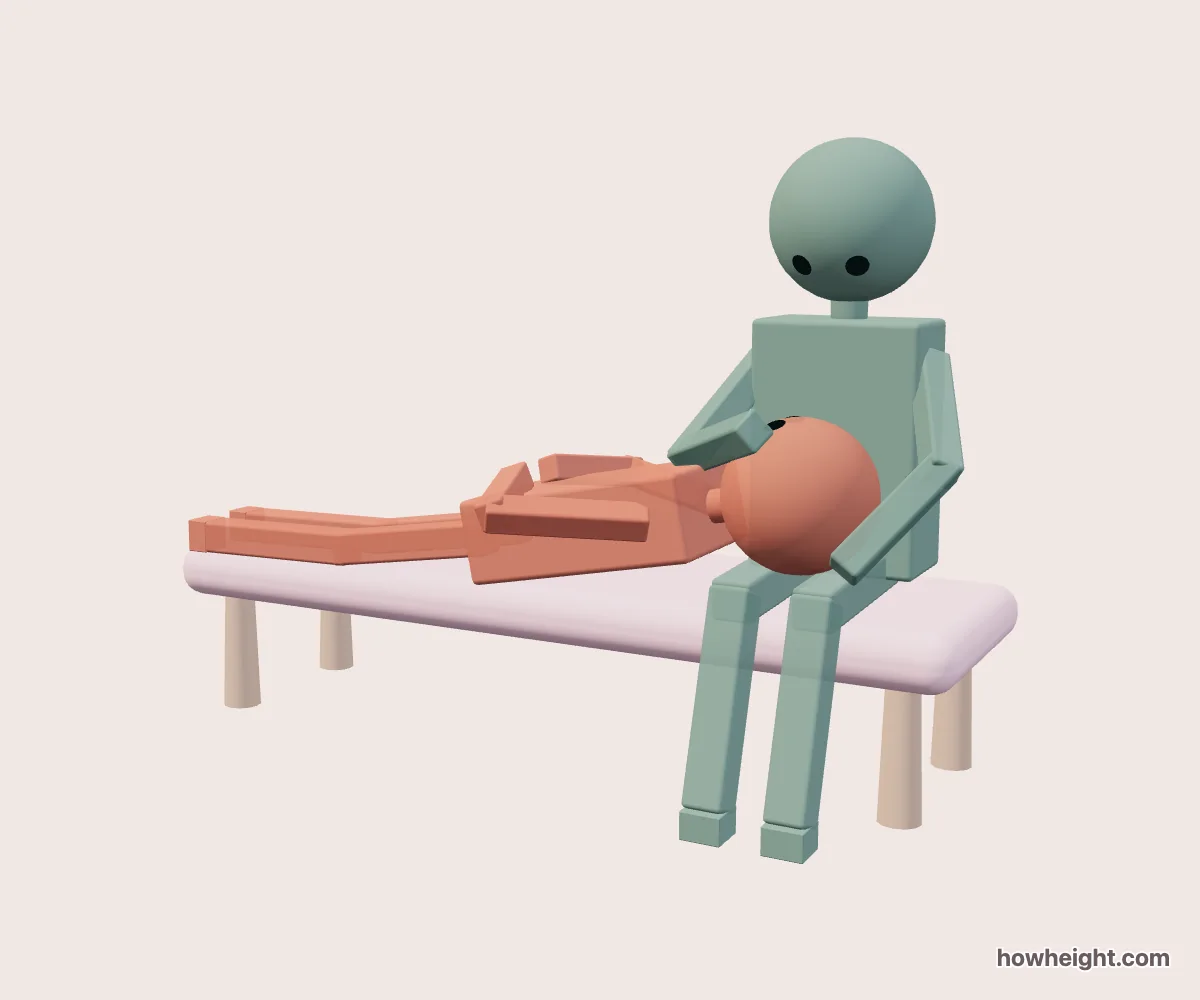
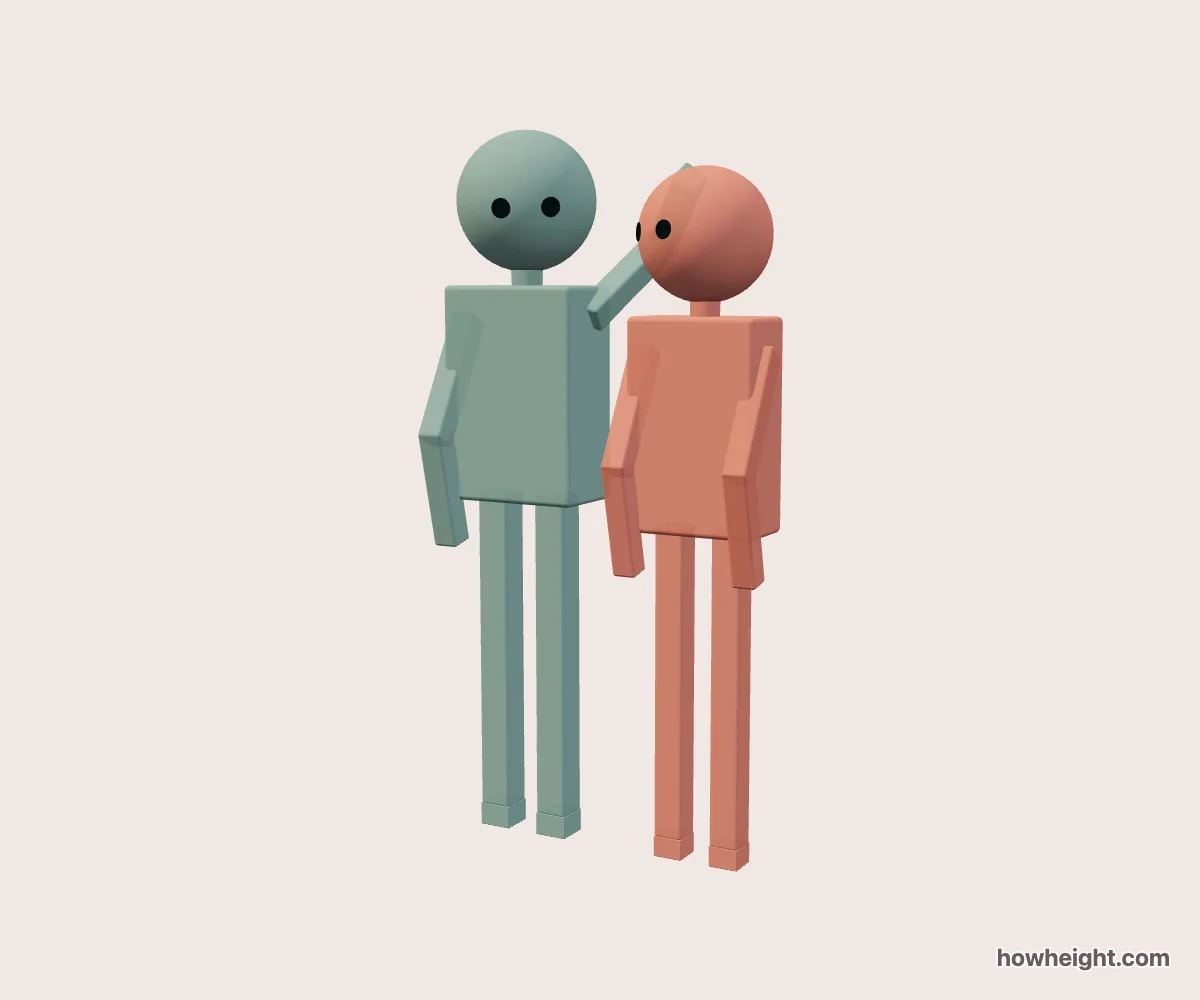
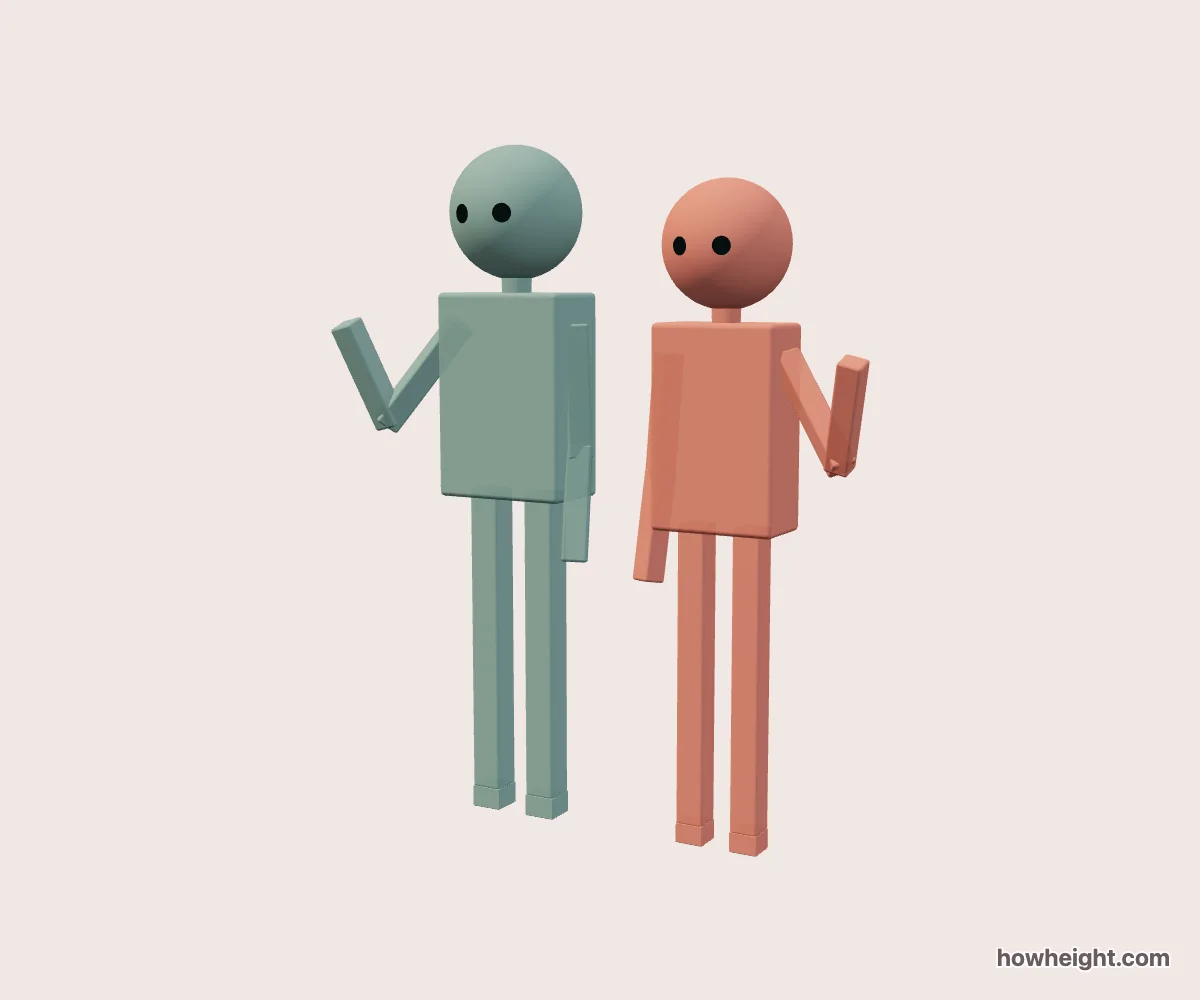
A height difference simulator places two characters of your chosen heights in the same 3D scene. Compare them standing side by side, then switch to a hug or another pose to see how their positions change the composition.
Compare a couple’s height difference
Enter both heights in the height difference simulator and choose a pose. In a hug, compare the head and shoulder positions; in hand-holding, look at the joined hands and the space between the two figures.
Keep the same pair when switching poses. A front view shows the two outlines together, while a side view reveals where the arms cross the bodies. Save a view that shows the detail you want to compare.
Open the hug simulator3D pose references for character and couple drawings
For a character height comparison, enter your characters’ heights before choosing the framing. Check whether both silhouettes stay readable and whether one head or shoulder hides the other in your chosen view.
For a couple drawing reference, use hand-holding to plan the hand connection and arm angles. Rotate the scene to inspect overlaps, then export a PNG of the angle you want beside your sketch.
Open the hand-holding simulator10 cm, 20 cm, and 30 cm height difference examples
Choose a pair below to open a hug with those heights, then compare another pose using the same pair.
| First height | Second height | Height difference | View hug |
|---|---|---|---|
| 175 cm | 165 cm | 10 cm | View hug |
| 175 cm | 155 cm | 20 cm | View hug |
| 180 cm | 150 cm | 30 cm | View hug |
Examples use centimetres; you can change either height in the simulator.