
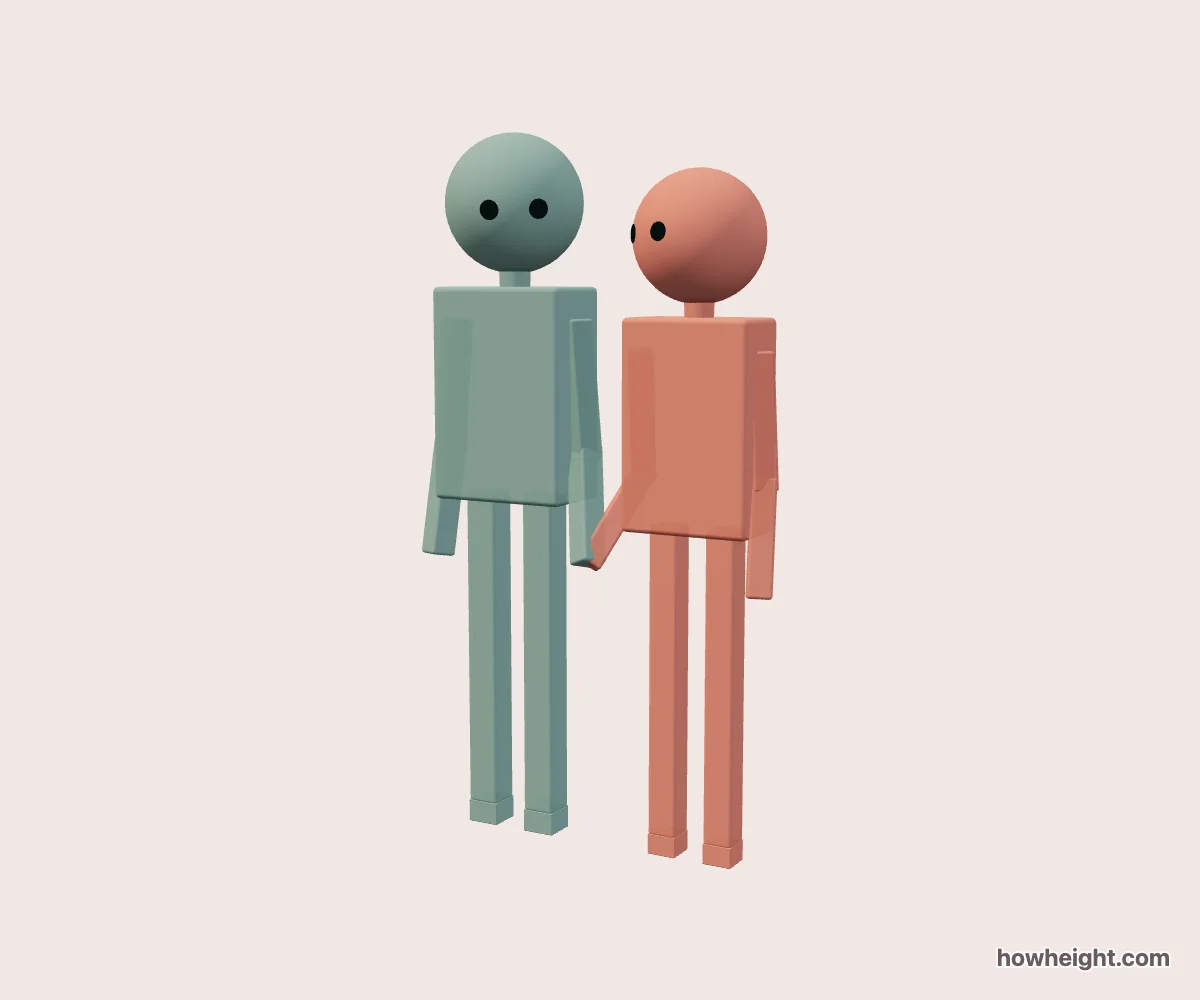
Read the space around the joined hands
In a hand-holding pose, the point where the hands meet is small, but it organizes the whole pair. Two shoulder heights lead down through two arms toward that shared point. The empty space around those arms determines whether the gesture remains visible in a small picture. This simulator lets you compare that shape with your own two heights instead of relying on a reference photographed from one fixed angle.
Use it for a couple holding hands, two friends, or fictional characters whose proportions you are arranging. Names and colors identify the pair.
Begin with an overview that includes both heads and the joined hands. A tight crop around the faces can hide the only feature that makes the scene a hand-holding pose. Once you understand how the arms connect, you can decide how much of the gesture belongs in the final illustration or shared image.
Standing together and A shared step
Standing together gives you a quiet starting arrangement for comparing head heights, shoulder levels, and the shape between the inner arms. Choose it when your main question is how two characters fit beside each other.
A shared step places the legs in a mid-step arrangement. Inspect how the legs contribute to the silhouette and whether the joined hands are clear from your chosen direction.
Change distance without losing the hand connection in the picture
Distance controls the scene spacing from 0 to 25 cm. Try a closer setting first, then move outward while watching the inner elbows and the area around the joined hands. Increasing the setting does not just make a larger gap between the torsos in the image; it changes how much of each arm is exposed.
A very close arrangement may make the pair read as one compact shape. That can suit a small shared image, but a drawing reference may need more visible background between the forearms and the bodies. Rather than automatically choosing the widest spacing, look for enough separation to explain where each arm comes from. Check the same setting from a diagonal view before deciding.
The role control identifies the person on the left of the arrangement. Swap roles changes that assignment without exchanging the two entered heights. Because turning the camera can change how left and right appear on your screen, follow the character names and colors rather than relying only on screen position. This is particularly useful when comparing which character should appear nearest the viewer.
Compare shoulder levels and elbow bends
Try both characters at 170 cm in Standing together. The heads give you a level reference, while the inner arms show the shape made by the joined hands. This is a useful setup for a balanced two-character drawing, but equal height does not mean every limb is mirrored from every angle. Look at the actual pose rather than assuming perfect symmetry.
For a modest difference, set A to 175 cm and B to 165 cm. Keep the same distance and inspect the shoulder-to-hand path on each side. One arm may appear to descend differently from the other because it begins at a different level. Switch to Side or turn the overview slightly to see whether the apparent bend belongs to the pose or comes from foreshortening.
For a more visible contrast, try 190 cm and 155 cm. Look at the complete arms before concentrating on the hands. Then switch who occupies the left side and compare the silhouette from the same overview preset.
Build the gesture from shoulders to hands
For a hand-holding drawing reference, locate both shoulders first, then place the shared hand area. Connect those points with broad arm lines before drawing elbows or individual fingers. This makes it easier to judge whether the gesture still reads when the picture is reduced in size. Starting with detailed hands can make you reluctant to move them even when the surrounding arm shape needs to change.
Watch for a joined hand disappearing against a thigh or merging with the outline of the other forearm. A small rotation can reveal the connection without forcing an exaggerated gap between the characters. The side view helps explain which arm lies nearer the camera, but it may also stack the bodies so closely that the interaction becomes less readable. Use that view to understand depth, not necessarily as the final composition.
After choosing an angle, add your characters’ sleeves and other details in the drawing. Wide cuffs can cover the hand connection; bags or loose clothing can fill the space you relied on between the bodies.
Keep the gesture visible when you share it
For a square image, inspect the joined hands as well as the faces. A composition that looks clear at full browser size may make the gesture very small after export or display in a feed.
The character views let you look toward the other figure from the model’s eye position, which can suggest a viewpoint for a comic panel. A hand below the camera can be out of frame even though it is present in the scene.